2026 –
Overview
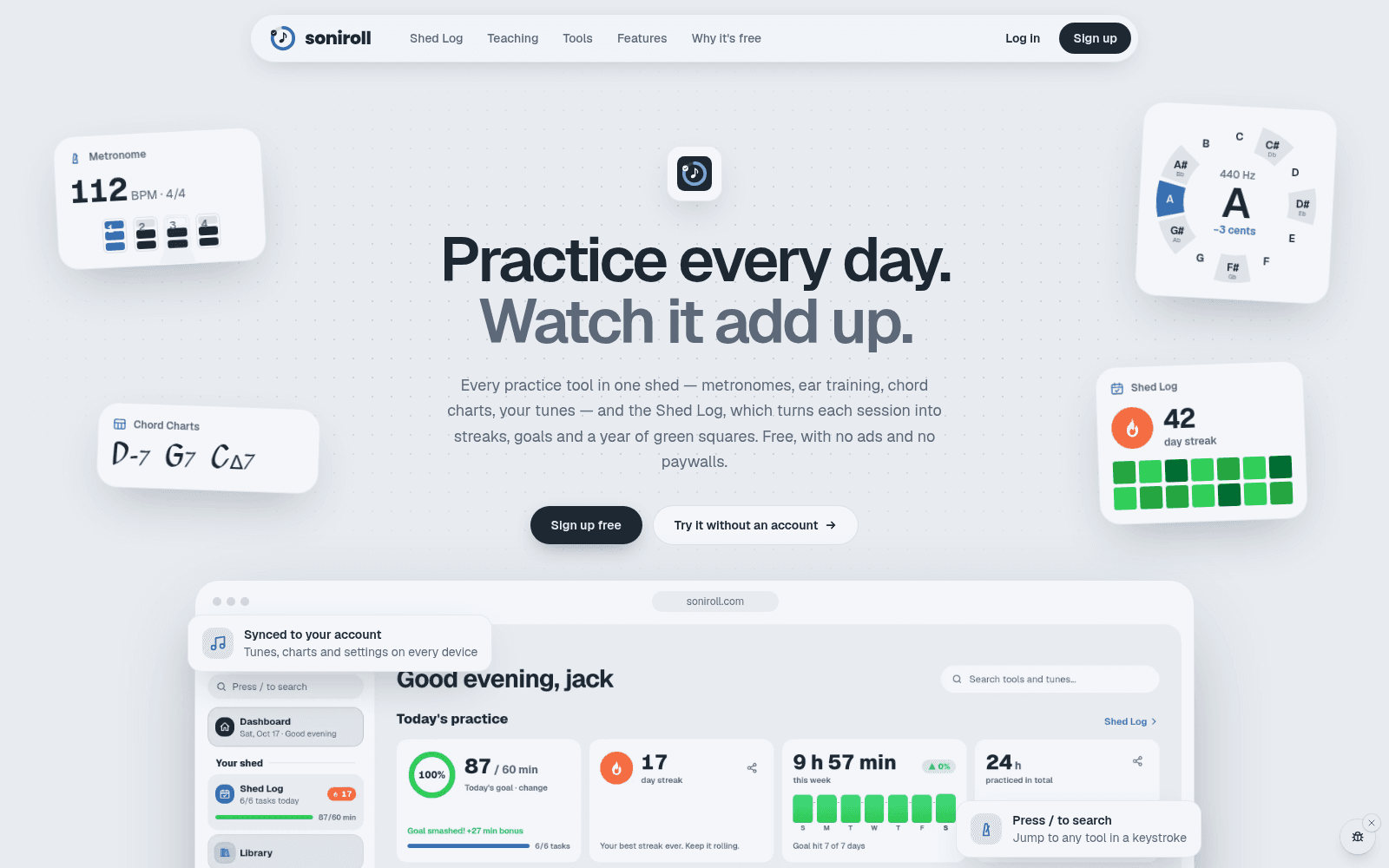
Soniroll is a free set of practice tools for musicians at soniroll.com. It started as tools for my own practice and is now used by friends, family and other musicians. It has about 25 tools: a metronome with odd and changing meters and polyrhythm modulation, a tuner, ear training with levelled learning paths, note, scale and interval trainers, chord charts with iReal Pro import, a jam-practice tune picker, a bass-line and drum generator to play along with, a slow-downer and looper, and a recorder.
Around the tools there's a practice log (the Shed Log) with a calendar, streaks and goals, a Markdown notes workspace with Vim keybindings and [[links]], setlists, file storage for PDFs, recordings and lead sheets with share links, a community, and lessons for teachers and students.
There are no ads and no paywalls, and every tool works without an account. Signing in syncs your data between devices. It's in beta (v0.10.3 at the time of writing).
How it's put together
It's a pnpm monorepo:
apps/webis the main product, a Next.js App Router app with Tailwind v4.apps/desktopis a Tauri app that reuses the website's components and plays sound through a native Rust audio engine.apps/mobileis an Expo app for iOS and Android. Development on it is paused, but it still has to type-check against any shared change.packages/coreholds shared pure TypeScript: music theory, parsers, generators and the practice-log logic.packages/convexis the backend, with auth (email and password with emailed codes, plus Google), synced settings, the chart library, community, files and lessons.
Data is local-first with an optional account. Signed out, settings live in localStorage and audio files in IndexedDB. Signed in, the same hooks read and write the account instead, through a debounced, race-safe cache. There's no merge between the two: signing in just switches which store is read.
Convex's limits shaped the data model. A document can be at most 1 MiB, and a function can read about 4,096 documents. So the chord-chart library stores one row per song with its bars in a separate table, imports go in chunks of 150, and big deletes are batched through the scheduler. Every account gets 100 MB of storage, and every upload path checks the quota.
Keeping clicks in time
All sound is made on the device. On the web, clicks are synthesized and scheduled ahead on the Web Audio clock, so each click lands on its exact sample even if the page's JavaScript timers are late.
The subtle part is tools that play two click streams at once, like the polyrhythm metronome's reference click. Each stream is sample-accurate on its own, but two separate schedulers each get their own timer, and browser timer jitter can nudge one and not the other, so they slowly drift apart. So the click engine takes an array of tracks and schedules all of them off one shared tick.
Native audio on the desktop
The desktop app exists for lower-latency audio, and it doesn't copy any website component. Vite aliases point at the web app's source, and small stand-ins replace next/link, next/navigation, next/image and the font loaders.
The interesting part is the Web Audio bridge. In the desktop app, window.AudioContext is a JavaScript stand-in that forwards the audio graph to the Rust crate web-audio-api, an implementation of the Web Audio spec. Every tool's own sound now runs on native audio (PipeWire on Linux) without changing a single website file. The one exception is the slow-downer's playback, which goes through WebKit's media player. JavaScript owns the node ids and batches each tick's operations into one call to Rust. A few things needed care:
- Synchronous reads like
currentTimeandparam.valuecan't wait for IPC, so JavaScript keeps mirrors: an extrapolated clock that Rust re-anchors every 20 ms, and each parameter's automation timeline, evaluated by the spec's rules. web-audio-apidoesn't ignore a repeatedconnect(), so a duplicate connect would double the signal. Rust tracks connections itself.- Changing the output device or buffer size opens a fresh context with an empty graph. Every reply carries a generation number, and when it changes, JavaScript replays its live nodes, parameter values and connections. An offset keeps the clock from jumping backwards.
The tuner's input runs YIN pitch detection in Rust, ported line for line from the shared TypeScript version. The recorder starts a take on the exact input sample where the first beat after the count-in was heard, using the output's reported delay.
iReal Pro import
The first version of the iReal Pro importer stopped at the first end marker, which dropped codas and every section after "Fine". It also forced four bars to a line and ignored alternate chords and time changes. I rewrote it to model iReal's 16-cell line grid, where each chord, space or repeat sign takes a fixed number of cells, so second endings and short lines lay out the way iReal draws them. All the new fields are optional, so charts saved before the rewrite still render.
Results
- I tested the importer against my own 1,460-song iReal playlist. It ran with no exceptions and no line overflows, and the four songs I compared by hand matched iReal line for line.
- Desktop metronome timing, recorded from a PipeWire null sink at 100 BPM: every gap between clicks was exactly 28,800 samples at 48 kHz, with zero timing error. The output reported 5.3 ms of device delay and 11 ms in total at a 256-sample buffer.
- The bridge's output matched the browser's own Web Audio: the same tones peaked within about 1%, and Rust's decode of a piano sample correlated 0.9999 with WebKit's.
What's next
The desktop app is an early test. CI builds and tests it on Linux, macOS and Windows and publishes installers for all three, but the macOS and Windows builds haven't been tried on real machines yet. The mobile app is paused. Day-to-day work happens on a preview branch with its own Vercel deployment, backend and demo data, and only checked releases get merged into main and the live site.